Not Just Laptops is supported by readers like you. When you buy through links on our site, we may earn a small commission at no additional cost to you. Learn more.
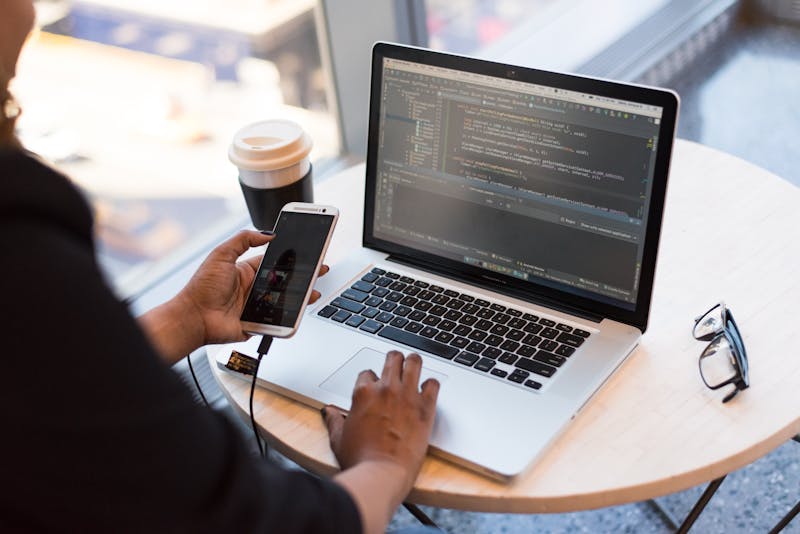
Choosing the perfect laptop for coding is a crucial decision for every programmer. If you prefer iOS development, then undoubtedly, you’re considering a MacBook.
But even with other programming applications, the build quality, Retina displays, high-quality keyboards, and epic battery life are enough to make a MacBook one of the strongest contenders for programming.
Still, it’s not enough to just grab a MacBook and call it a day.
With the several Mac models available, how do you decide between a MacBook Air and a MacBook Pro? In this article, we’re looking at which of these MacBooks reigns as the best laptop for programming.

f you prefer iOS development, then undoubtedly, you’re considering a MacBook.
Table of Contents
Overview of Different MacBooks for Programming
Let’s look at the nitty-gritty of the MacBook Air and MacBook Pro, comparing the M1 and M2 chips, along with the 13, 14, and 16-inch models. AND, spoiler alert, the M3 MacBook Pro is among them!
The Best MacBook for Programming Overall
MacBook Pro 14-inch (M3, 2023)
Launched in 2023, the MacBook Pro with an M3 processor is the ultimate choice for programming.
The latest Apple M3 chip is faster and more efficient than previous models. I found it great for intensive tasks like programming, game development, graphic design, and video editing.
A stunning Liquid Retina XDR display brings a ton of detail and awesome viewing angles, along with ProMotion Technology and a refresh rate of 120Hz. This makes MacBook Pro M3 an excellent choice for game developers and web design and development.
Compared to previous models, MacBook Pro M3 has a better cooling system that prevents the laptop from overheating during heavy use. It also comes with loads of ports: HDMI, SDXC card slot, Thunderbolt 4 USB-C, MagSafe 3, and a headphone jack.
All the other goodies are there too: a 17-hour battery life, a remarkable keyboard, and slick design, rounding up this laptop for programming.
The Best MacBook for Programming on the Move
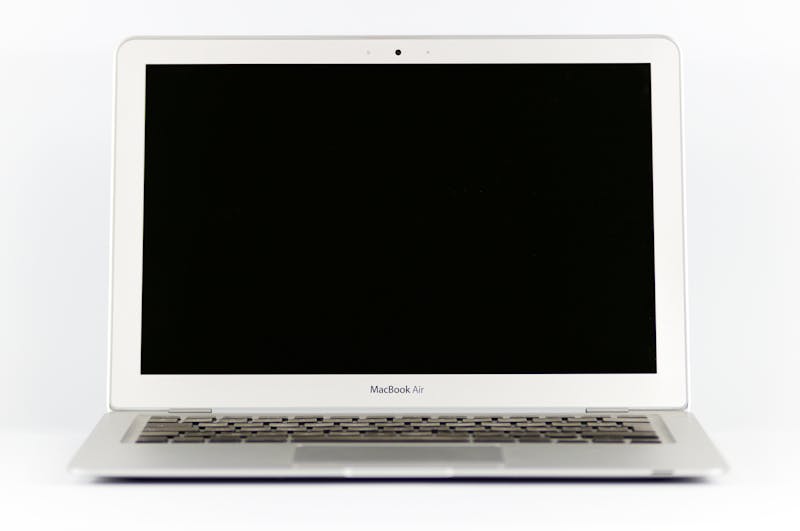
MacBook Air (M2, 2022)
If you want the power of a gaming and programming laptop but also crave portability, then MacBook Air M2 is the obvious choice. This lightweight laptop offers efficient performance, an impressive Retina display, and has good battery life optimized for on-the-move programmers.
The MacBook Air M2 comes in both 13″ and 15″ versions. The gorgeous display brings a high resolution of 2560×1600 pixels, with sharp and clear visuals. The True Tone technology automatically adjusts the white balance to match the color temperature of the light around the user. I’m particularly happy with the 15″ version because it keeps all the perks of a Mac display but in a larger size.
Building on the M1 series, the M2 processor packs faster and more efficient performance. This allows programmers to run heavy code-editing software, multiple emulators, and virtual machines, without compromising the laptop’s performance.
The laptop comes with 8GB of unified memory and either 256GB, 512GB, 1TB, or a whopping 2TB SSD storage. I’d recommend more storage to developers: 512 gigs is a must.
What about that legendary Air portability? With 18 hours of battery life and a mere 2.8 pounds of weight, the MacBook Air lives up to its name. Needless to say, I found it super easy to carry around.
The Best Cheap MacBook for Programming
MacBook Air (M1, 2020)
If you’re on a budget, the MacBook Air M1 provides an affordable entrance into the world of MacOS and iOS development. It’s equipped with a capable M1 chip and has enough firepower for most programming tasks you’d find in a coding environment.
The M1 series was the match that set the fire of Apple’s processors. Although it was launched in 2020, the M1 processor is still very much relevant – and capable – today. Whether you use it for programming, photo editing, or heavy multitasking like Figma, the M1 chip performs amazingly well.
You may be worried about the RAM. Don’t be. Yes, Air M1 comes with 8GB RAM, but when it comes to MacBooks, RAM works differently than with Windows laptops. I had no problems with multitasking whatsoever.
With a high resolution and Retina display, the MacBook Air M1 looks and feels great during the long coding sessions.
And, since this is Air, it’s super portable as well. The laptop easily lasts 13-14 hours on a single charge, which is more than most Windows laptops. And it weighs only 2.7 lbs.
Air also sports a great keyboard. In fact, I’m a little particular about Air M1’s keyboard, since the keys are larger than on the M2 series, but to each its own.
The only bummer is the peripherals since the M1 series has only two USB-C ports, so if you’re using lots of those, a dongle is recommended.
The Best MacBook for Programming and More
MacBook Pro 16-inch (M2 Pro, 2022)
The MacBook Pro 16-inch, a heavyweight of the MacBook series, features the powerful M2 Pro processor. With a bigger Retina screen, better battery life, and extra oomph provided by the M2 Pro Chip, it accommodates more than just coding; it’s a beast for heavy-duty tasks.
Compared to the M1 Pro, the M2 Pro has better graphics, greater video processing capabilities, and more efficient power consumption. This makes it ideal for demanding tasks such as 3D modeling, video editing, graphic design, game development, and, of course, programming.
A clear and bright 16″ Retina display is a godsend for working on code. It allows the programmers to see it clearly and prevents nasty eye fatigue during long coding sessions.
The M2 Pro also comes with a 10-core GPU, as opposed to the 8-core GPU in the M1 Pro. This makes it an easy choice for software development tasks.
Overall, if, besides programming, you also work on visual elements like 3D modeling, augmented reality, and virtual reality, few laptops can match the MacBook Pro in terms of performance and convenience.
How to Choose the Best MacBook for Programming
The best MacBook for programming will depend on your needs.
If you seek the latest and greatest performance, go with the Pro series and M2 or M3 chip.
If you value portability and want to save some money, the MacBook Air M1 or M2 would be a better option.
Both MacBook Pro and MacBook Air series, though, come with exceptional performance and battery life. The main differences concern the screen size and that little extra you may want. Whether that extra is about performance for tasks besides programming, or ultralightweight chassis is completely up to you.

The best MacBook for programming will depend on your needs.
Conclusion: Deciphering the MacBook Code
When it comes to programming, you’ll hardly go wrong with either one of the latest MacBook Air or Pro laptops.
However, there are cases when one is maybe somewhat better. To get the best match to your coding needs, make sure to drill down on the performance, portability, and price you want.
Or, if you need extra details first, check out how specs in a laptop generally come together with this comprehensive laptop buying guide.